How to Automate Your Small Business in 2026: The Complete UK Guide
Running a small business in 2026 means wearing a dozen hats before lunch. You're answering customer emails at 7am, chasing invoices at noon, and updating spreadsheets until midnight. Sound familiar?
Here's the good news: you don't have to work like this anymore.
Business automation has evolved dramatically. What once required expensive enterprise software and dedicated IT teams is now accessible to any small business owner with a laptop and an internet connection. According to recent research, 89% of small businesses are now leveraging AI to automate repetitive tasks and improve efficiency.
This guide shows you exactly how to automate your small business in 2026, with practical strategies that work for UK-based SMEs.
What Is Small Business Automation?
Small business automation means using technology to handle repetitive tasks without manual intervention. Instead of copying data between spreadsheets, chasing late payments, or answering the same customer questions repeatedly, automated systems handle these tasks for you.
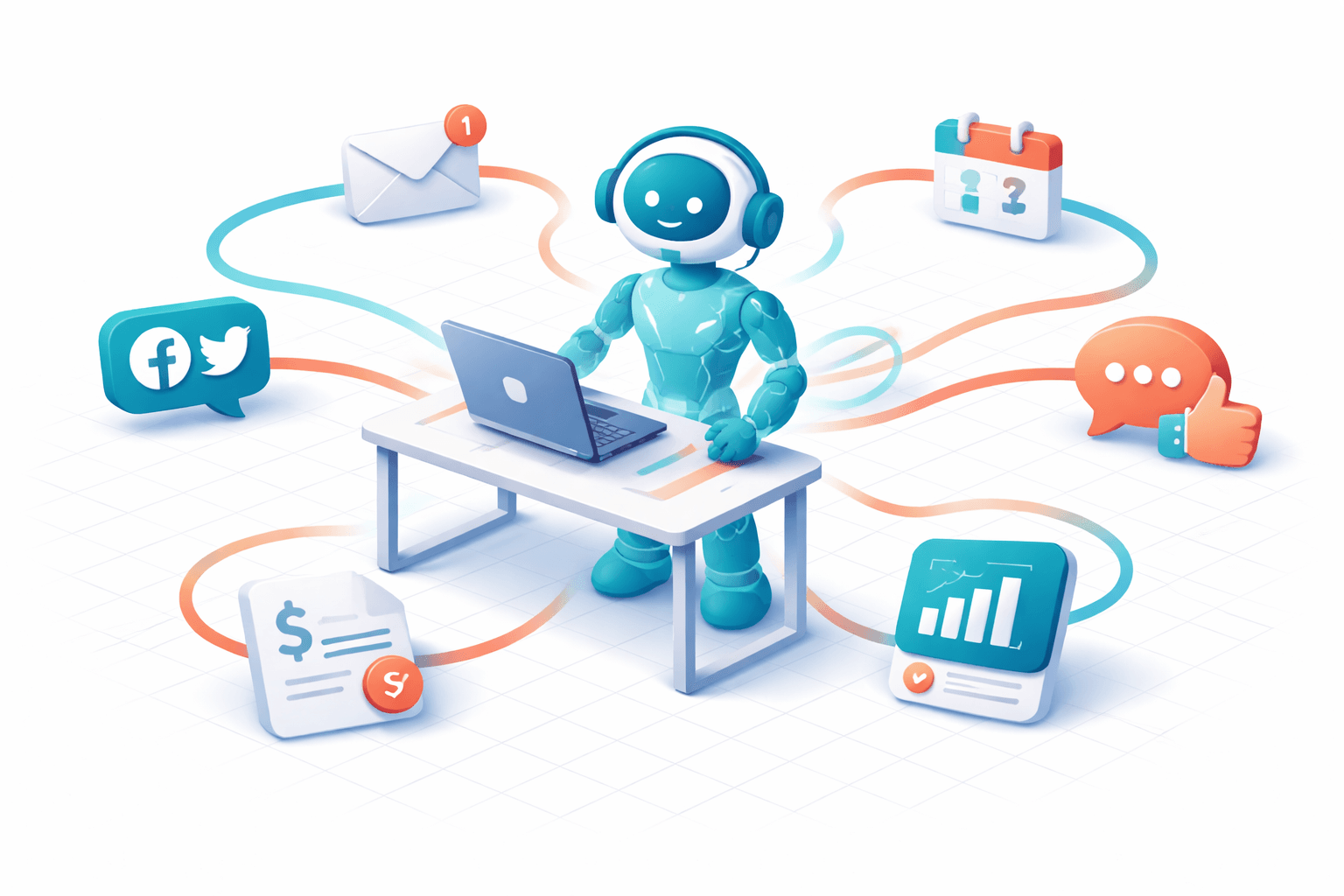
Modern automation goes beyond simple "if this, then that" rules. Agentic AI and AI Workers—the breakthrough technology of 2026—can reason, make decisions, and execute complex workflows across multiple tools simultaneously. Think of it as having a capable team member who works around the clock without breaks, sick days, or coffee runs.
The three main types of automation for small businesses include task automation (handling individual repetitive actions), workflow automation (connecting multiple steps in a business process), and AI-powered automation (intelligent systems that can adapt and make decisions).
Why Automate Your Small Business Now?
The business landscape has shifted fundamentally. Manual processes no longer scale in a digital-first economy where customer expectations are higher and competition is global.
Time savings represent the most immediate benefit. Small business owners report saving 15-20 hours weekly after implementing automation. That's time you can spend on strategy, customer relationships, or simply achieving better work-life balance.
Cost reduction follows naturally. Hiring additional staff increases payroll, benefits, and training costs. AI tools can handle many repetitive tasks at a fraction of the cost—often under £50 per month for comprehensive solutions.
Error reduction matters more than many realise. Manual data entry, invoice processing, and customer communication all carry error risks. Automated systems perform these tasks consistently and accurately, every time.
Scalability becomes possible without proportional cost increases. When your customer base grows, automated systems handle the increased volume without requiring additional hires.
The 7 Best Areas to Automate in Your Small Business
1. Customer Communication and Support
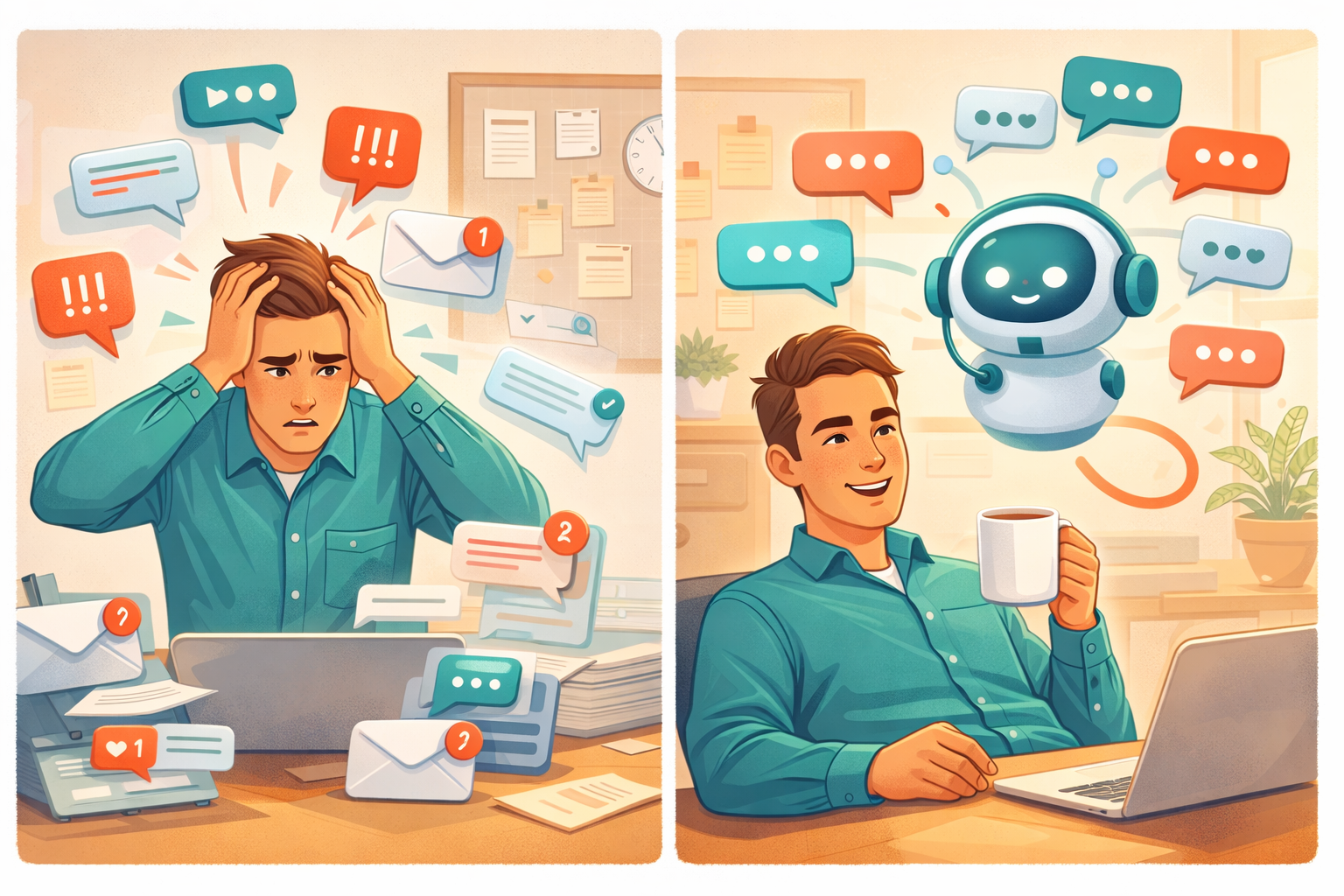
Customer inquiries don't follow business hours. Automation ensures every message receives a prompt, helpful response regardless of when it arrives.
AI-powered chat systems can handle common questions about pricing, availability, opening hours, and basic troubleshooting. For complex issues, they gather relevant information before routing to a human team member, ensuring faster resolution.
Email automation goes beyond basic autoresponders. Modern systems can categorise incoming emails by urgency and topic, draft appropriate responses for review, and follow up on conversations that haven't received replies.
Quick win: Set up automated acknowledgment emails that confirm receipt of customer inquiries and set expectations for response times. This simple step significantly improves customer satisfaction.
2. Invoicing and Payment Collection
Chasing payments ranks among the least enjoyable aspects of running a business. Automation transforms this from a frustrating time sink into a background process.
Automated invoicing systems generate and send invoices immediately when work is completed or products are delivered. They track payment status, send polite reminders at appropriate intervals, and escalate overdue accounts according to your preferences.
Integration with accounting software means paid invoices automatically update your books, eliminating duplicate data entry and reducing reconciliation errors.
Quick win: Implement automated payment reminders at 7 days and 14 days past due. Most late payments result from oversight rather than unwillingness to pay, and a gentle reminder often prompts immediate action.
3. Appointment Scheduling and Calendar Management
The back-and-forth of scheduling appointments wastes enormous amounts of time. "Are you free Tuesday at 2pm?" "No, how about Wednesday morning?" "I have a conflict then..."
Automated scheduling systems show your available time slots and let customers book directly. They handle time zone conversions, send confirmation emails, and issue reminders before appointments. When cancellations occur, they can automatically offer the freed slot to waitlisted customers.
For service businesses, this automation often pays for itself within the first month through reduced no-shows and improved booking density.
4. Social Media and Content Marketing
Maintaining an active social media presence requires consistent effort. Automation helps you stay visible without spending hours daily on each platform.
Content scheduling tools let you batch-create posts and distribute them across platforms at optimal times. Analytics track engagement patterns, helping you understand what resonates with your audience.
AI writing assistants can draft social media posts, blog outlines, and marketing copy based on your brand voice and key messages. You review and refine rather than starting from scratch.
Quick win: Schedule a week's worth of social media content in one focused session rather than posting reactively throughout the week.
5. Lead Management and Sales Follow-up
Leads go cold quickly. Research suggests that responding within five minutes of an inquiry makes you 21 times more likely to qualify that lead compared to responding after 30 minutes.
Automated lead management ensures no inquiry falls through the cracks. New leads receive immediate acknowledgment and relevant information. The system scores leads based on behaviour and engagement, helping you prioritise follow-up efforts.
Automated nurture sequences keep your business top-of-mind with prospects who aren't ready to buy immediately. When leads show buying signals—visiting your pricing page repeatedly, for example—the system alerts you for personal follow-up.
6. Financial Administration and Bookkeeping
Financial tasks consume disproportionate time for small business owners. Bank reconciliation, expense categorisation, VAT calculations, and report generation all demand attention regularly.
Automated bookkeeping systems categorise transactions using AI, flagging unusual items for review rather than requiring manual classification of every entry. They generate reports automatically, track cash flow patterns, and alert you to potential issues before they become problems.
Integration with HMRC systems simplifies tax compliance, automatically calculating and tracking VAT obligations and generating the data needed for Making Tax Digital submissions.
7. Employee and HR Processes
Even small teams benefit from HR automation. Holiday requests, expense claims, and time tracking all generate administrative overhead that grows with each hire.
Automated systems let employees submit requests through simple interfaces. Approvals follow defined workflows, with notifications keeping everyone informed. Records update automatically, creating audit trails and simplifying end-of-year reporting.
For recruitment, automation handles initial CV screening, schedules interviews, and sends updates to candidates throughout the process.
How to Get Started with Business Automation
Step 1: Audit Your Time
Before automating anything, understand where your time actually goes. Track your activities for one week, noting how long each task takes and how frequently it recurs.
Look for patterns: Which tasks do you perform daily? Which cause the most frustration? Which could be handled by someone following simple rules? These high-frequency, rule-based tasks are prime automation candidates.
Step 2: Start Small and Specific
Resist the temptation to automate everything at once. Choose one well-defined process and automate it thoroughly before moving on.
Good starting points include email autoresponders for common inquiries, invoice generation and payment reminders, appointment booking for service businesses, and social media scheduling.
Step 3: Choose the Right Tools
The best automation tool depends on your specific needs. Consider factors like ease of use (you shouldn't need technical expertise), integration capabilities (does it connect with your existing tools?), pricing structure (watch for per-user or per-transaction fees that scale unexpectedly), and UK-specific features (VAT handling, HMRC compliance, British spelling).
Step 4: Document Your Processes
Before automating a process, document how it currently works. What triggers the process? What steps are involved? What decisions need to be made? What's the desired outcome?
This documentation serves two purposes: it helps you configure automation correctly, and it provides a reference when things don't work as expected.
Step 5: Test Before Going Live
Run automated processes alongside manual ones initially. Compare results to ensure the automation performs as expected. Only retire manual processes once you're confident in the automated alternative.
Step 6: Monitor and Refine
Automation isn't set-and-forget. Review performance regularly. Are automated emails generating responses? Are invoices being paid faster? Is customer satisfaction improving?
Use insights from monitoring to refine your automation. The best systems evolve with your business.
The Rise of AI Workers for Small Business
Traditional automation follows predefined rules. AI Workers represent the next evolution: intelligent systems that can understand context, make decisions, and adapt to new situations.
An AI Worker can handle tasks that previously required human judgment. They can interpret customer requests even when phrased unusually, prioritise competing demands based on business context, and learn from corrections to improve over time.
For small businesses, AI Workers democratise capabilities previously available only to large enterprises. You gain the benefits of intelligent automation without the cost of enterprise software or dedicated technical staff.
The most effective approach combines AI Workers with human oversight. The AI handles routine work and flags exceptions for human review. This hybrid model captures efficiency gains while maintaining quality and appropriate decision-making for complex situations.
Common Automation Mistakes to Avoid
Over-automating customer interactions tops the list. Customers appreciate quick responses but recognise and resent obviously robotic communication. Preserve human touchpoints for complex issues, complaints, and relationship-building moments.
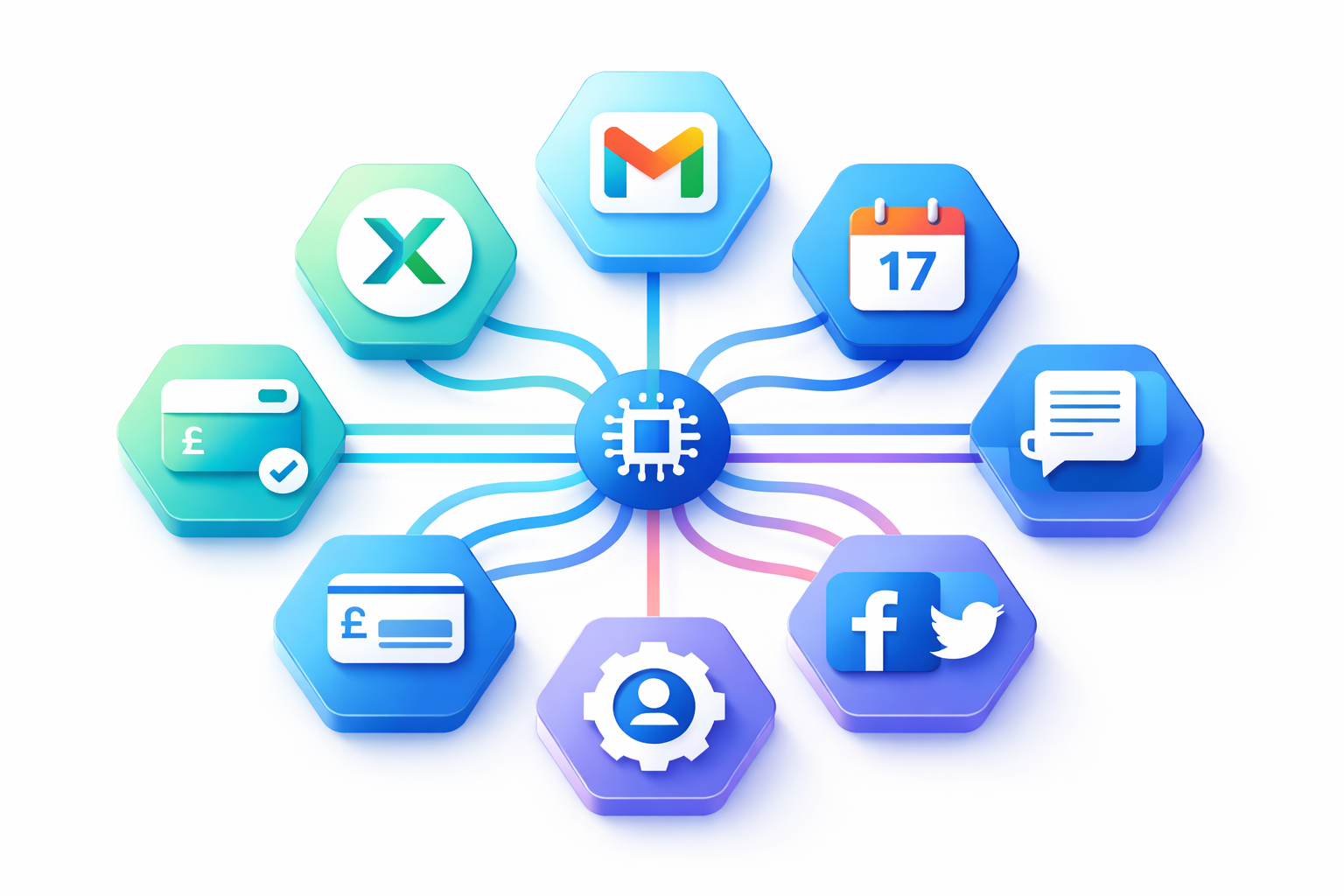
Ignoring integration creates data silos and duplicate work. Ensure your automation tools connect with each other and with your existing systems. Information should flow seamlessly without manual transfer.
Setting and forgetting leads to drift. Business processes evolve, and automation must evolve with them. Schedule regular reviews to ensure automated processes still serve your needs.
Automating broken processes amplifies problems rather than solving them. If a process doesn't work well manually, automating it just creates faster failures. Fix the underlying process first.
Underestimating change management neglects the human side of automation. Team members may feel threatened or confused by new systems. Communicate clearly about what's changing and why, and provide adequate training.
Measuring Automation Success
Track meaningful metrics to understand whether automation delivers value. Good metrics include time saved (hours per week recovered from automated tasks), error rates (comparison of mistake frequency before and after automation), response times (speed of customer communication and internal processes), cost per transaction (efficiency of automated versus manual processing), and customer satisfaction (ratings and feedback on automated interactions).
Avoid vanity metrics that look impressive but don't connect to business outcomes. The number of automated emails sent matters less than whether those emails generate desired actions.
The Future of Small Business Automation
Automation capabilities continue advancing rapidly. Several trends will shape small business automation through 2026 and beyond.
Multi-agent systems will become standard. Rather than isolated automation tools, businesses will deploy coordinated AI agents that work together, sharing information and handing off tasks as needed.
Voice and natural language interfaces will make automation more accessible. You'll instruct systems in plain English rather than configuring complex rules.
Industry-specific solutions will proliferate. Generic automation tools will give way to solutions designed for specific sectors—accounting practices, trades businesses, healthcare providers—with built-in understanding of domain-specific workflows and compliance requirements.
Governance and compliance automation will become essential. As regulatory requirements grow, automated compliance checking and documentation will shift from nice-to-have to necessity.
Taking the First Step
Automation isn't about replacing human judgment or creativity. It's about freeing yourself from repetitive tasks so you can focus on the work that actually requires your expertise and builds your business.
Start with one process this week. Identify a task you perform repeatedly, research tools that can handle it, and take the first step toward a more automated business.
The small businesses thriving in 2026 aren't working harder than their competitors. They're working smarter, leveraging automation to punch above their weight while maintaining the personal touch that makes small businesses special.
Frequently Asked Questions
How much does small business automation cost?
Automation costs vary widely depending on complexity and scale. Basic automation tools start around £15-30 per month, while comprehensive AI-powered solutions typically range from £50-200 monthly. Most small businesses see positive ROI within 2-3 months through time savings and error reduction. Many tools offer free trials, letting you evaluate before committing.
Can I automate my business without technical skills?
Yes. Modern automation platforms are designed for non-technical users, with visual interfaces, templates, and guided setup processes. You don't need coding knowledge to implement effective automation. More complex customisations may benefit from professional help, but most small businesses can handle basic to intermediate automation independently.
What tasks should I automate first in my small business?
Start with high-frequency, rule-based tasks that consume significant time: email responses to common questions, invoice generation and payment reminders, appointment scheduling, and social media posting. These offer quick wins with minimal risk. Once comfortable, expand to more complex workflows like lead nurturing and financial reconciliation.
How long does it take to implement business automation?
Simple automations can be running within hours. More complex workflows involving multiple tools and custom logic may take several weeks to implement and refine. Plan for an adjustment period where you run automated and manual processes in parallel. Most businesses achieve stable automation within 4-8 weeks of starting.
Will automation make my business feel impersonal?
Not if implemented thoughtfully. Good automation handles routine tasks efficiently while freeing you for meaningful customer interactions. The key is preserving human touchpoints where they matter most—complex inquiries, complaints, relationship building—while automating administrative work that doesn't benefit from personal attention.
Is automation suitable for very small businesses and sole traders?
Absolutely. Sole traders often benefit most from automation because there's no team to delegate to. Automation acts as a virtual assistant, handling tasks that would otherwise consume your limited time. Many automation tools are priced specifically for small operations, making them accessible even on tight budgets.
How do I ensure automated communications don't sound robotic?
Write automated messages in your natural voice, as if speaking to a customer directly. Avoid overly formal language or obvious templates. Include personalisation where possible—the customer's name, relevant details about their inquiry. Test messages on colleagues or friends before going live, and refine based on customer responses.
What happens when automation makes mistakes?
All systems make occasional errors. Build in human review points for high-stakes actions like large payments or important customer communications. Monitor automation performance regularly and address issues promptly. Most customers understand occasional hiccups if resolved quickly and professionally. Document errors to prevent recurrence.
How do I choose between different automation tools?
Evaluate based on your specific needs: ease of use, integration with existing tools, pricing structure, and UK-specific features. Read reviews from businesses similar to yours. Take advantage of free trials to test before committing. Consider starting with one comprehensive platform rather than piecing together multiple specialised tools.
Can automation help with HMRC compliance and Making Tax Digital?
Yes. Many UK-focused accounting and automation tools include features for VAT calculation, digital record-keeping, and HMRC submission. Automation reduces errors in tax-related data entry and ensures records meet Making Tax Digital requirements. Always verify that any tool you choose is recognised by HMRC for digital submissions.

TheyWork Team
TheyWork gives small UK businesses an AI-powered worker that finds leads, writes content, responds to reviews, and handles admin — so you can focus on growing.
Ready to try an AI Worker?
Get your own AI worker that finds leads, writes content, and handles admin. Start free for 7 days.
Get startedRelated articles
How Much Does Business Automation Really Cost in 2026? A UK Pricing Guide
A transparent breakdown of business automation costs for UK small businesses in 2026. Compare pricing for AI tools, workflow automation, and implementation to budget accurately.